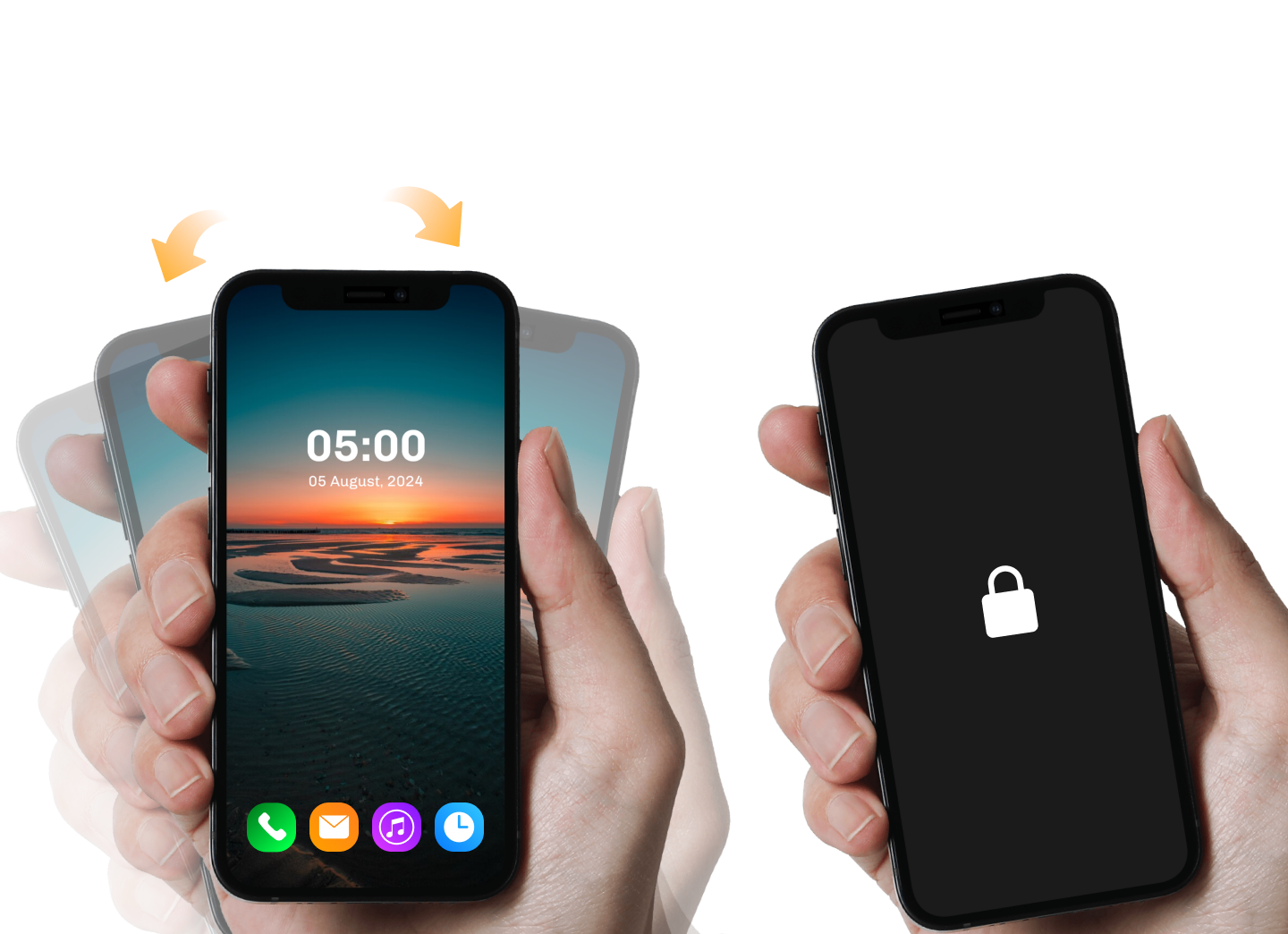
How to use the shake to lock and unlock screen app
this application is very helpful while your power button not working or broken power button of your phone but you will face the phone lock issue while you can solve your phone lock issue using this application shake to lock unlock screen services.
Shake To Lock Unlock Screen app has unique feature to lock and unlock phone screen with phone sensors. Here you will find amazing lock unlock screen feature with
1. shake phone to lock unlock screen
2. wave hand on phone to lock unlock screen
3. one tap to lock your phone screen
How to activate the app for lock and unlock app.
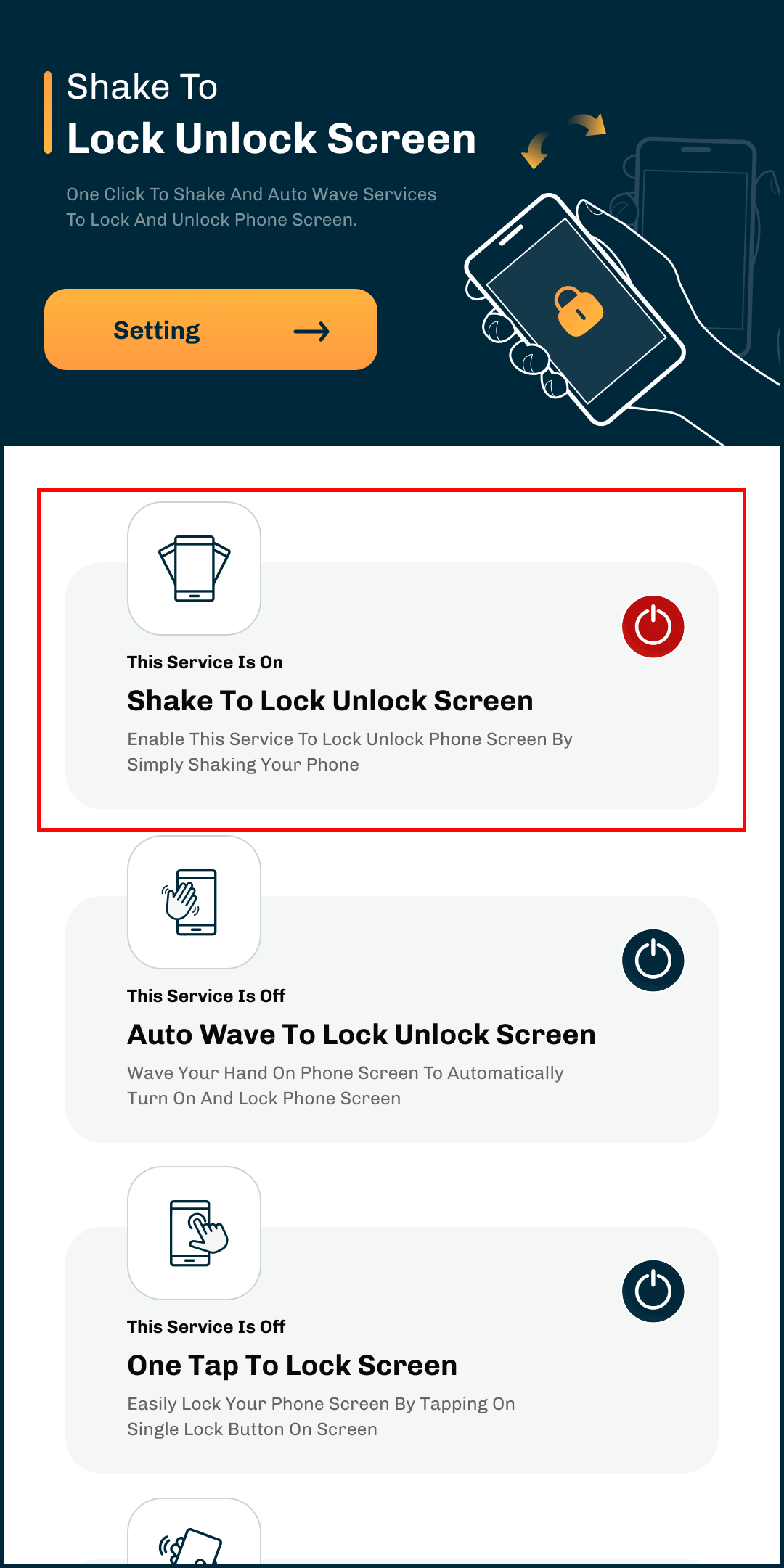
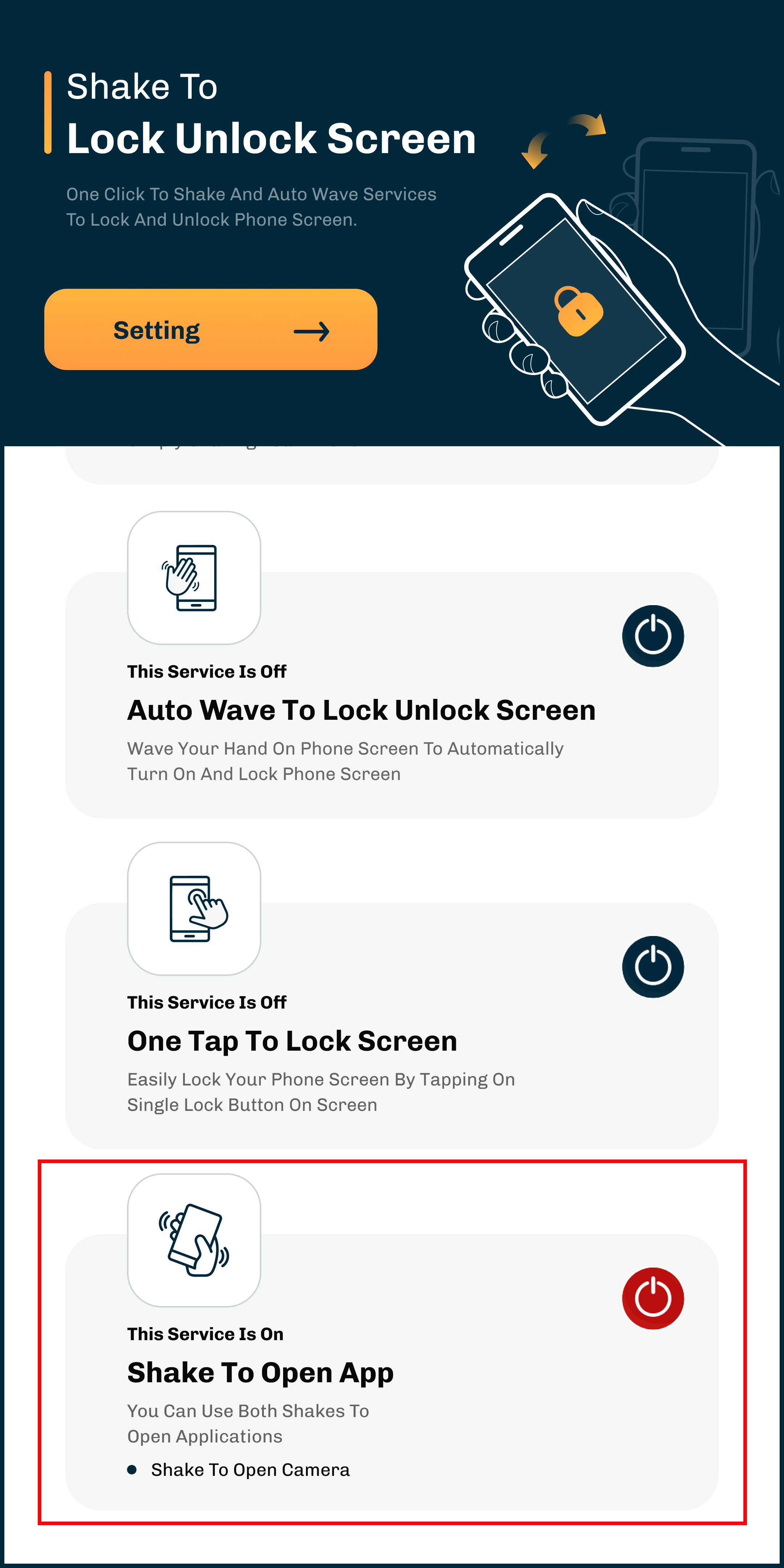
Service 1 : Shake To Lock Unlock Screen
• Enable this service to lock unlock phone screen by simply shaking Your phone.
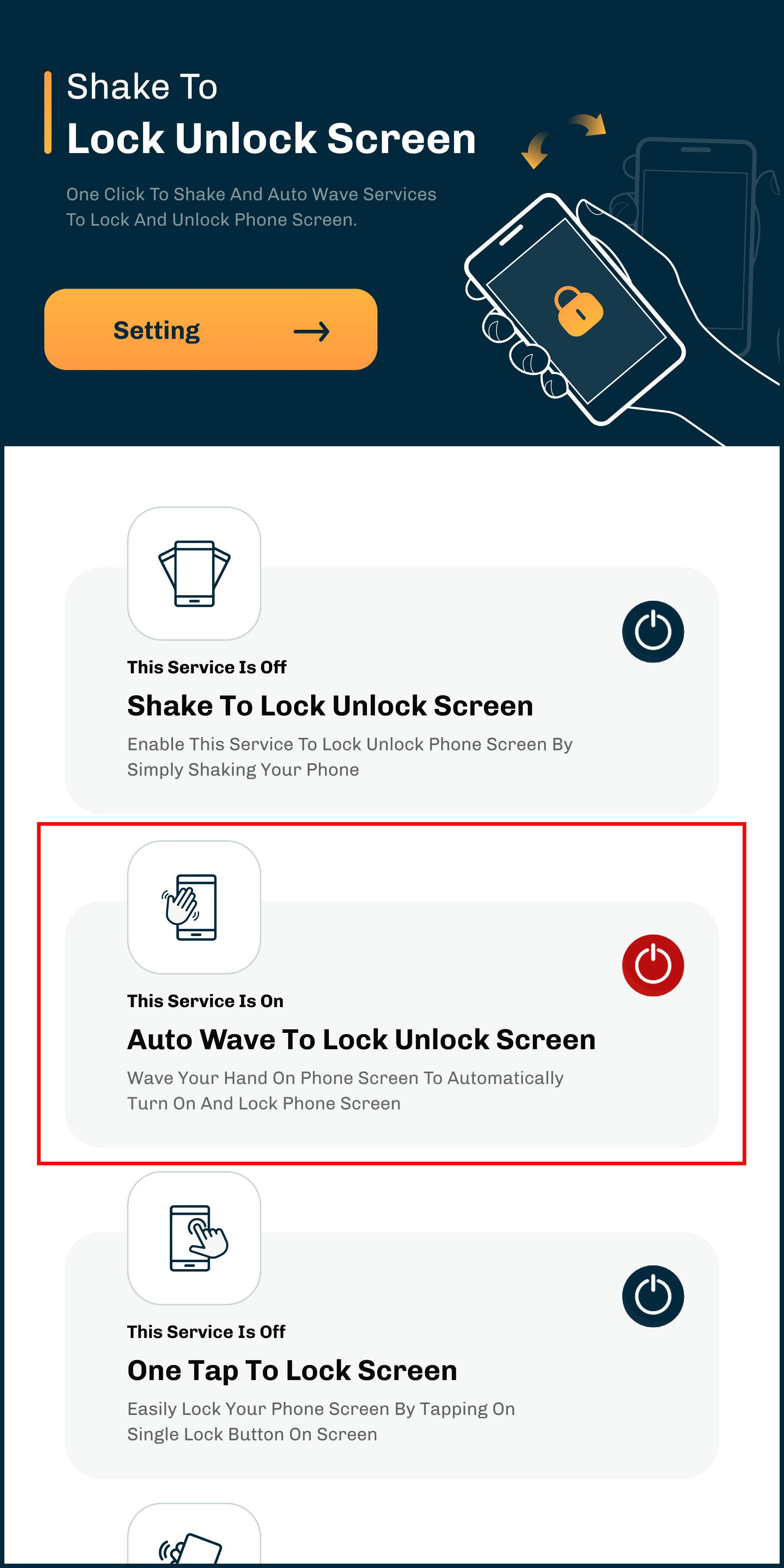
Service 2: Auto Wave To Lock Unlock Screen
• Wave your hand on phone screen to automatically turn on and lock phone screen.
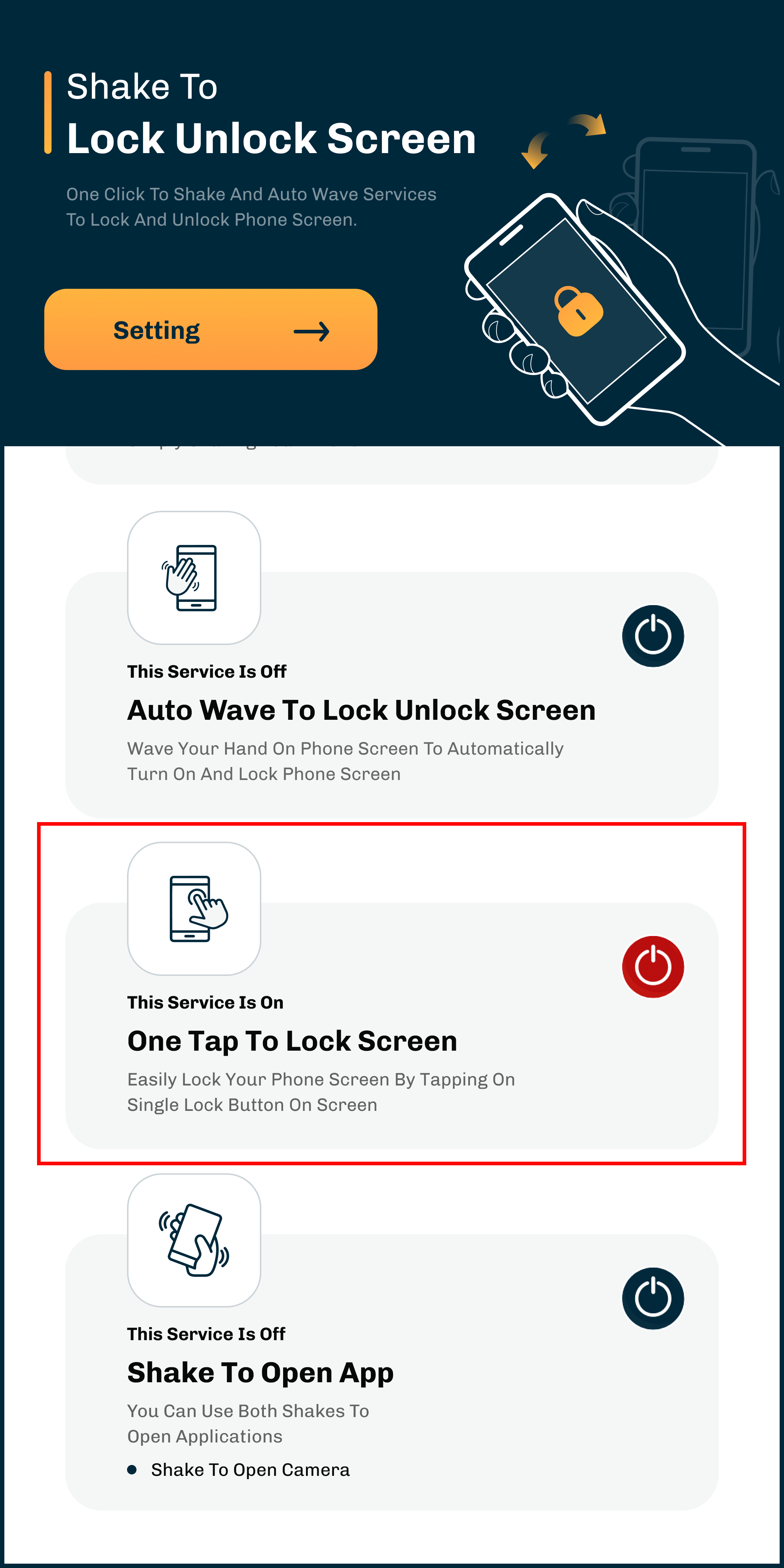
Service 3 : One Tap To Lock Screen
• If you want to lock the screen, you can easily lock your phone screen by tapping on single lock button on the screen.
Service 4 : Shake to Open App
• Shake to app is flashlight defualt but you can find here different app to use app in your native select app which change too.
After activating this administrator permission Will accept the shake to unlock screen to perform following action.
Set Alarm
• You can create unlimited personalized alarms with custom labels and schedules.
Change Wallpape
• If you want to change the wallpaper in this app, use shake to change and auto change wallpaper. You will have to select at least 2 wallpapers in this shake/auto change wallpaper.Then, the wallpaper will be set.
Frequently Asked Questions
How Download The App?
Just download the app from the store. Simple, nice and user-friendly application.

© Shake To Lock Unlock Screen All rights reserved.